




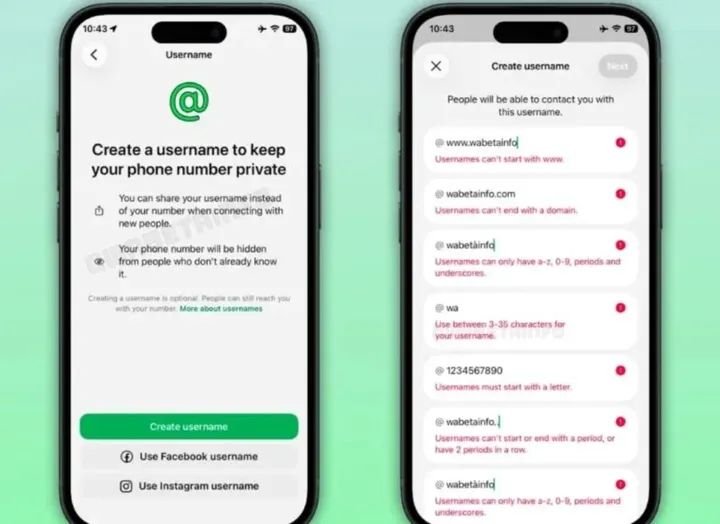
WhatsApp has introduced the usernames feature, allowing users to reserve a unique username that can be used instead of sharing a phone number.
Chronicle NG reported that the Meta-owned platform announced the feature in a blog post on Monday. The feature is being released gradually, so it may not be available to everyone yet.
How to reserve your WhatsApp username
- Update WhatsApp to the latest version from the Google Play Store or Apple App Store.
- Open WhatsApp.
- Go to Settings.
- Tap Account.
- Select Username.
- Enter your preferred username or use WhatsApp’s built-in username generator if your first choice is unavailable.
- If the username is available, confirm it to reserve it.
Optional features
If you use the same Meta Accounts Centre, you can claim your existing Facebook or Instagram username.
You can also create a Username Key, which adds an extra layer of privacy by requiring new contacts to know both your username and the key before they can message you.
What if you don’t see the Username option?
If the Username option does not appear in your WhatsApp settings, the feature has not yet been enabled for your account. WhatsApp is rolling it out gradually by country and account, so even users with the latest version of the app may need to wait before it becomes available.